Flows
Plan and run the work.
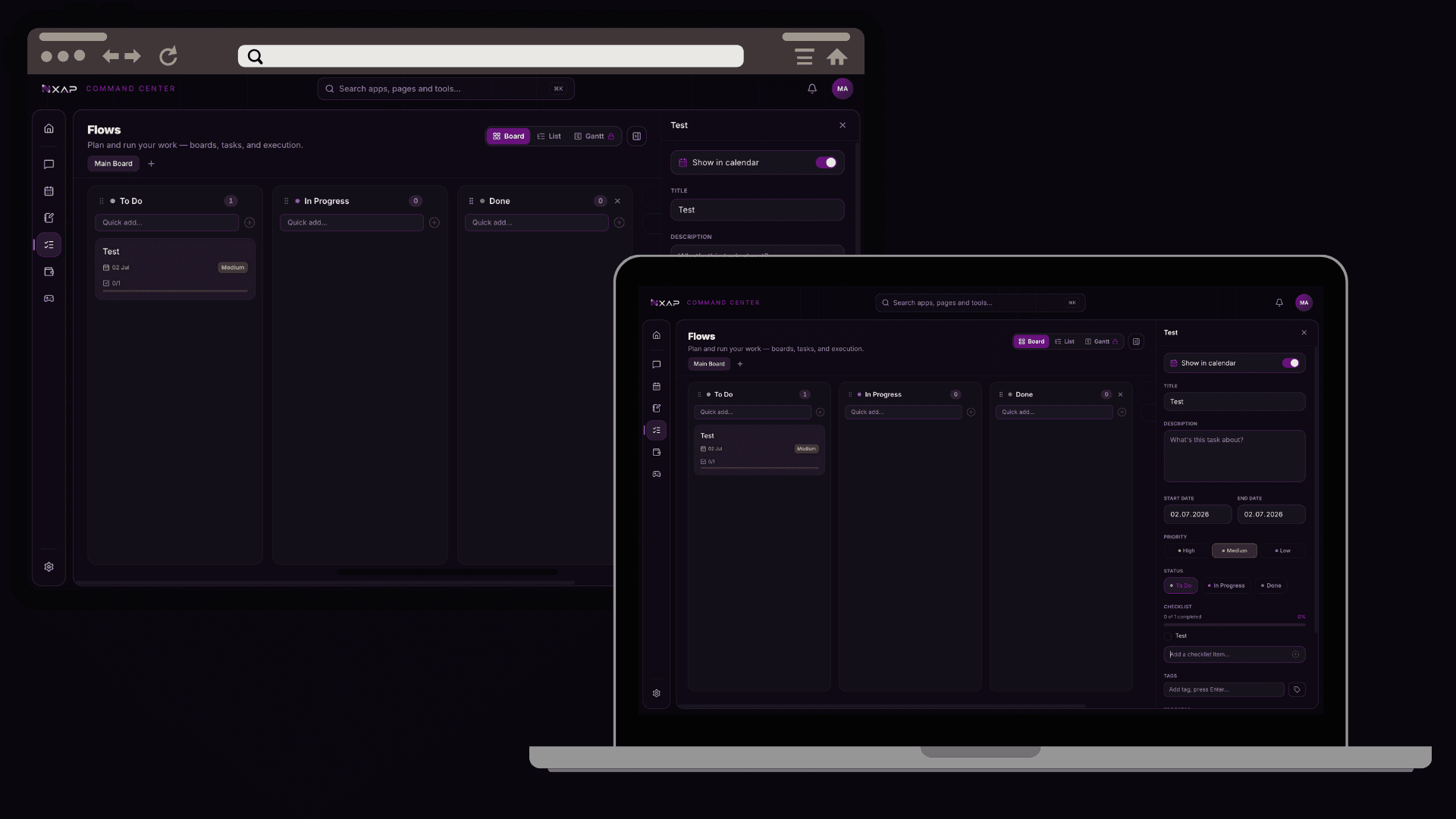
What it is
Flows is where you plan and track projects — as boards, lists, or a Gantt timeline, with subtasks and dependencies for anything more involved.
How it works
Create a board, add tasks, and break them down with subtasks and dependencies. Switch between board, list and timeline views to suit the work. You can also turn a chat message or a note into a task without retyping it.
Key features
- Boards, lists and a Gantt timeline
- Subtasks and dependencies
- Create tasks from anywhere in the suite
Credits & Flows
Creating and managing tasks, boards and timelines is always free. Only AI-assisted actions use credits.